Photo creators
You want to explore a different portrait direction without reshooting the subject.
Test lighting, styling, and character ideas from one source image.
Photo to face
Use a source portrait as the starting point for a new face concept. This face ai workflow helps you prepare the image, guide the result, and understand where photo inputs can fail.
Tool block
Compare a source portrait with a generated face direction before you refine the prompt or prepare a video variation.
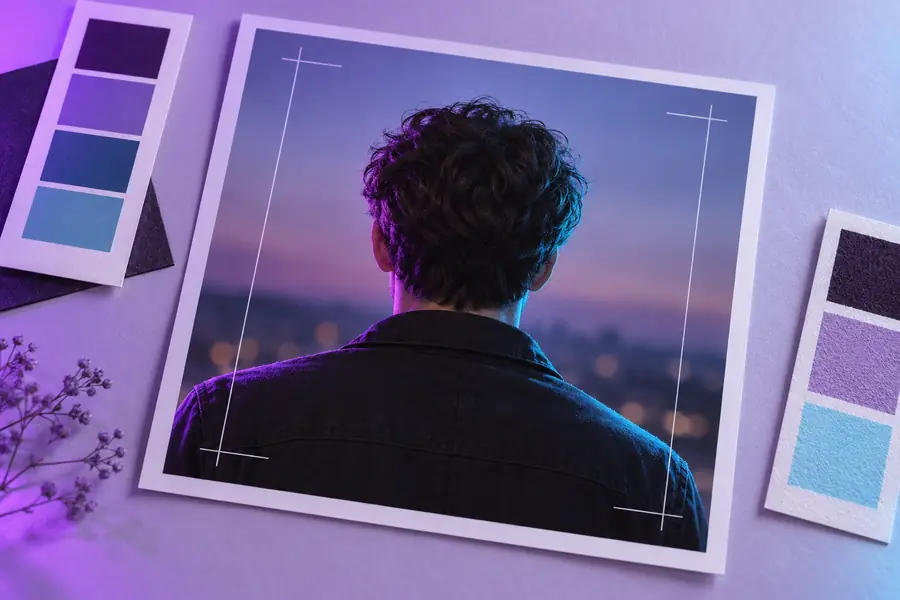
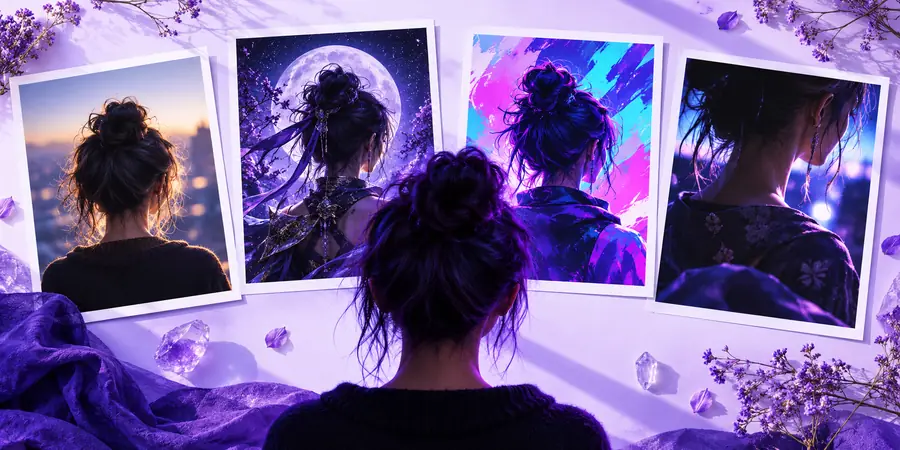
Source photo
Drag the divider or use the arrow keys to inspect the change.
Generated concept
Best-fit users
Different creators start with the same input: a clear photo and a specific reason to develop the face into another visual format.
You want to explore a different portrait direction without reshooting the subject.
Test lighting, styling, and character ideas from one source image.
You have a still portrait and need a face-led visual for a clip or social story.
Move from a prepared image toward a video workflow with clearer expectations.
You need several believable face concepts for a cast, avatar, or campaign board.
Use a source photo to anchor identity while exploring new visual treatments.
You are checking whether a face idea will hold up before producing an HD video variation.
Resolve the portrait direction first, then evaluate a higher-resolution video path.
Import checklist
A reliable face ai result begins before generation. Treat the source photo as production input, not just a reference.
| Weak import | Prepared import | |
|---|---|---|
| Subject count | Several faces competing for attention | One clearly visible primary face |
| Face angle | Heavy profile or chin turned away | Front-facing or gently angled portrait |
| Lighting | Hard shadows across the eyes and cheeks | Even light with visible facial detail |
| Resolution | Small, compressed, or blurry image | Sharp image with enough detail to inspect |
| Expression | Mouth or eyes partly obscured | A readable, natural expression |
| Background | Busy scene with overlapping objects | Simple background and clear head outline |
Prompt examples
These examples show how to describe the intended result after the photo is ready. Keep the subject, style, and change explicit.
Create a polished editorial portrait from my source photo, with soft window light, a neutral background, and natural skin texture.
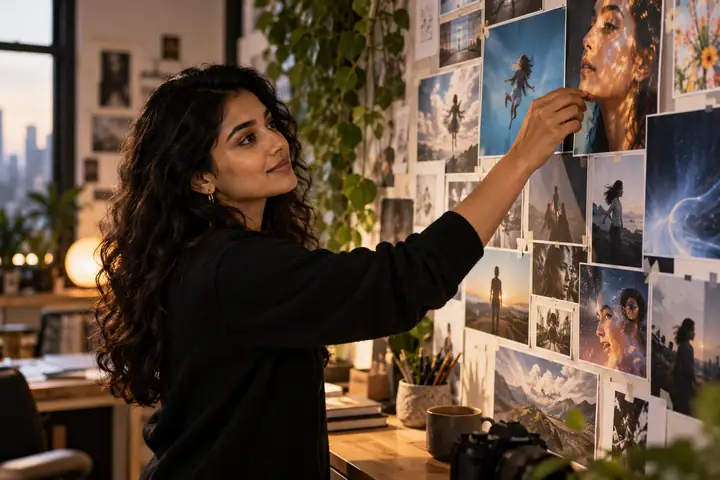 Style
result
Style
result
Turn my source portrait into a grounded character concept with the same facial structure, practical clothing, and subtle cinematic lighting.
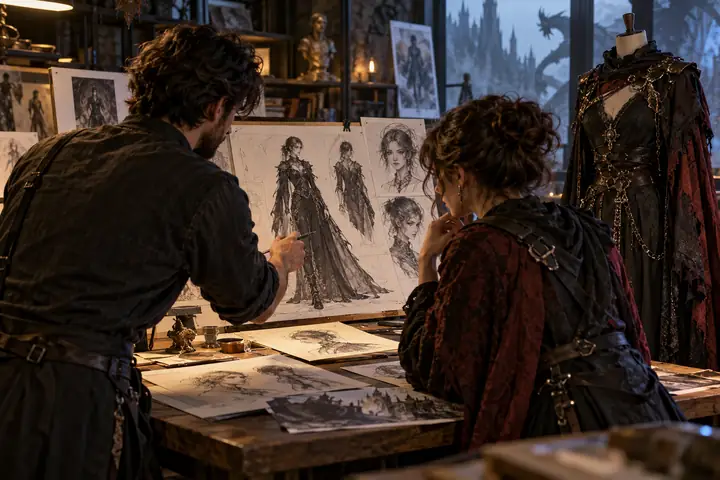 Character
result
Character
result
Use my source photo to create three distinct face directions: studio, street, and fantasy, while keeping the expression recognizable.
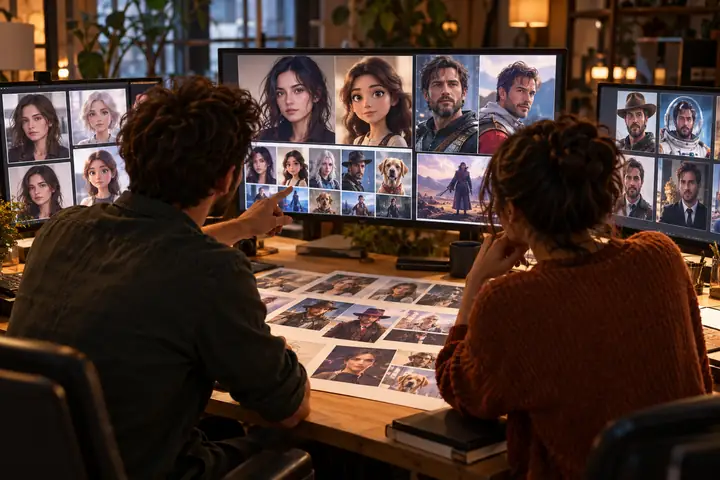 Explore
result
Explore
result
Adapt one variable at a time so you can tell whether the photo or the prompt caused the change.
Honest limits
An ai face generator from photo is useful for concept development, but it is not a substitute for consent, identity checks, or final production review.
Severe blur, blocked facial features, extreme angles, and heavy compression can remove details the model needs.
What to do instead
Choose a sharper, evenly lit portrait with the face mostly visible.
Generated features may drift even when the source photo is clear, especially after major style or age changes.
What to do instead
Use smaller edits and compare each result with the original before continuing.
A photo reference does not prove that you have permission to transform or publish the person’s likeness.
What to do instead
Use your own images or obtain clear permission before creating or sharing results.
A strong still face concept may still need motion, timing, and frame-by-frame review for video use.
What to do instead
Treat the image as a visual test before moving to an image-to-video workflow.
Next step
Bring a clear portrait, describe the change you want, and use the generated result as a focused starting point for your next face ai experiment.
Variant FAQ
It is a workflow that uses an existing portrait as visual input for a new face or character concept. The source photo guides features, expression, and composition, while your prompt describes the desired change.
Use a sharp image with one clear subject, visible facial features, and even lighting. Front-facing or gently angled portraits usually provide a more dependable starting point than dark, blurry, or heavily obstructed photos.
You should use your own photo or have permission from the person shown before transforming or publishing the result. A tool can process an image, but it cannot establish consent, ownership, or a right to distribute the likeness.
The result can drift when the prompt requests a major age, style, angle, or expression change. Try a shorter prompt, keep the face direction close to the source, and change one visual variable at a time.
The photo workflow is best treated as the still-image stage of a larger process. Once the face concept is suitable, you can assess whether an image-to-video route is appropriate for the intended motion and final use.