Personal creator
You have a portrait and want a different setting, style, or character direction without losing the subject’s recognizable features.
You get a useful concept image for a profile, mood board, or personal project.
Creative image work
An AI face photo workflow helps you turn a reference portrait into a polished creative image while keeping the subject, framing, and intended mood clear.
A strong photo result is more than a changed face. It should preserve the useful parts of the source while making the requested visual change easy to judge.
Choose the workflow by the job the image needs to perform, not only by the effect you want to see.
You have a portrait and want a different setting, style, or character direction without losing the subject’s recognizable features.
You get a useful concept image for a profile, mood board, or personal project.
You need several visual variations from one clear source photo for posts, thumbnails, or a short campaign.
You can test different compositions before choosing the image that communicates best.
You want to explore a styling direction before committing time to a full edit or reshoot.
The generated reference gives you a faster visual brief for lighting, wardrobe, and expression.
You are preparing a consistent character or identity reference for a later sequence of images or clips.
A stable portrait direction makes the next creative decisions easier to review.
The process works best when each stage has a visible purpose and you stop before an attractive result becomes an unusable one.
Use a well-lit photo where the face is visible, the subject is not heavily occluded, and the intended change can be described plainly.
State the setting, mood, framing, and style you want. Mention what should remain consistent, such as expression or identity cues.
Check the eyes, hairline, skin texture, proportions, background, and overall resemblance before using the image publicly.
A before-and-after comparison is useful only when the edit improves the intended image rather than adding distracting artifacts.
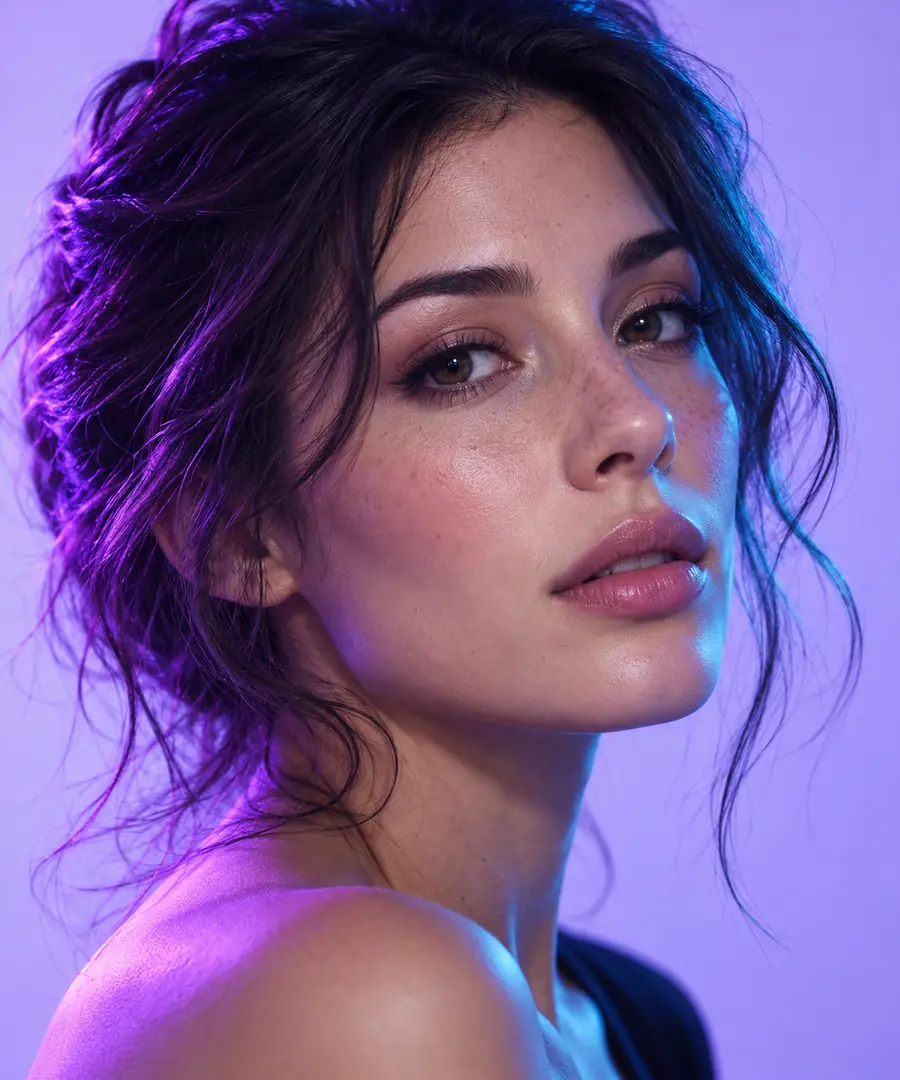
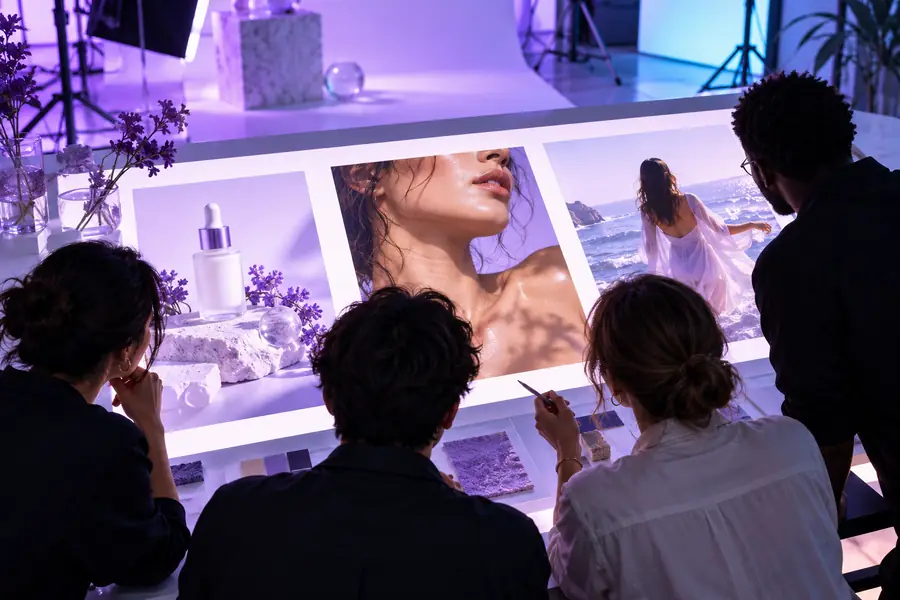
Compare identity, edges, lighting, and background—not only the overall impression.
Reference photoCreative resultPhoto generation has practical limits. Knowing them early helps you choose a better source or adjust the request instead of repeatedly polishing the wrong input.
A tiny, blurred, badly cropped, or strongly blocked face may not provide enough visual information for a convincing result.
What to do instead
Use a sharper image with the face at a useful scale and remove avoidable obstructions before starting.
Small changes in angle, lighting, expression, or hair can alter how closely the output resembles the reference.
What to do instead
Keep the request focused, compare several results, and retain only images that meet your own resemblance standard.
A technically successful portrait is not automatically appropriate to publish, impersonate, or use in a commercial context.
What to do instead
Use your own images or obtain permission from recognizable people before sharing or distributing the result.
Extreme transformations can introduce plastic skin, uneven eyes, warped accessories, or inconsistent shadows.
What to do instead
Reduce the number of simultaneous changes and ask for natural lighting, realistic proportions, and a simple background.
Bring a clear reference and a specific visual direction to the next image. Review the result carefully, keep the strongest version, and use it as a creative starting point rather than an unquestioned final.
These answers address the main questions people ask when looking for an AI face photo workflow.
An AI face photo is an image created or changed with an artificial intelligence workflow focused on a person’s face. It can support portrait variations, character concepts, styling experiments, or other creative image directions.
A personal reference photo is often the most useful starting point because it gives the workflow a clear subject and visual direction. Choose an image you have the right to use, and review the result for accuracy before publishing it.
Begin with a sharp, well-lit source and describe only the changes that matter most. Keep the requested lighting, expression, framing, and background consistent, then inspect eyes, hair, edges, skin texture, and shadows.
It may work as a concept, draft, or creative asset, but suitability depends on the image quality, the intended audience, and the required level of accuracy. Always check identity, consent, rights, and any disclosure expectations before using it professionally.
Try a clearer source, simplify the prompt, and reduce major changes to pose, expression, lighting, and styling. If artifacts remain, treat the output as a rough concept and choose another reference or direction.