Short-form creator
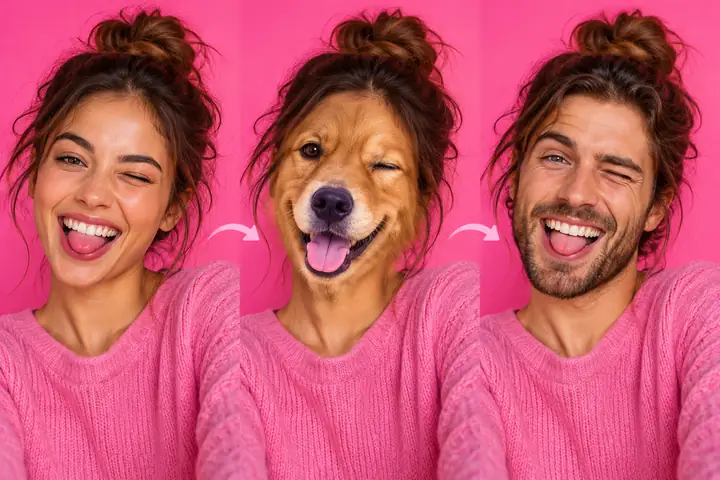
You want a character-led reaction or comedy clip without changing the setting.
Start with a front-facing take and compare the mouth and eyes after conversion.
Video face swap
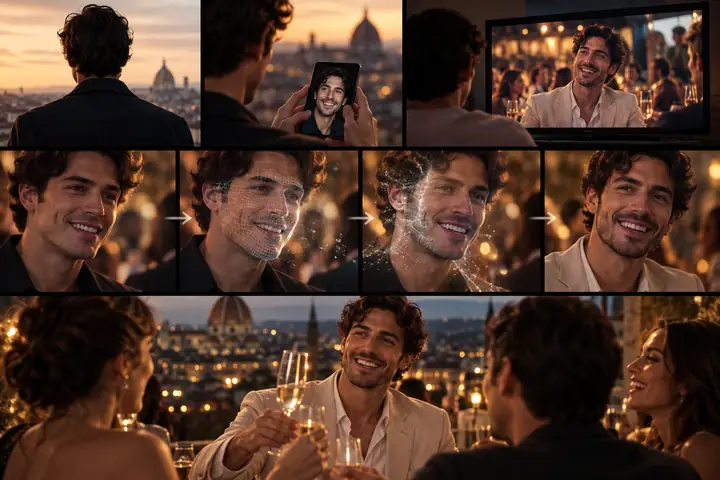
A swap face ai video hd workflow starts with a stable source, a well-matched replacement face, and a careful review of motion across the clip.
Visual comparison
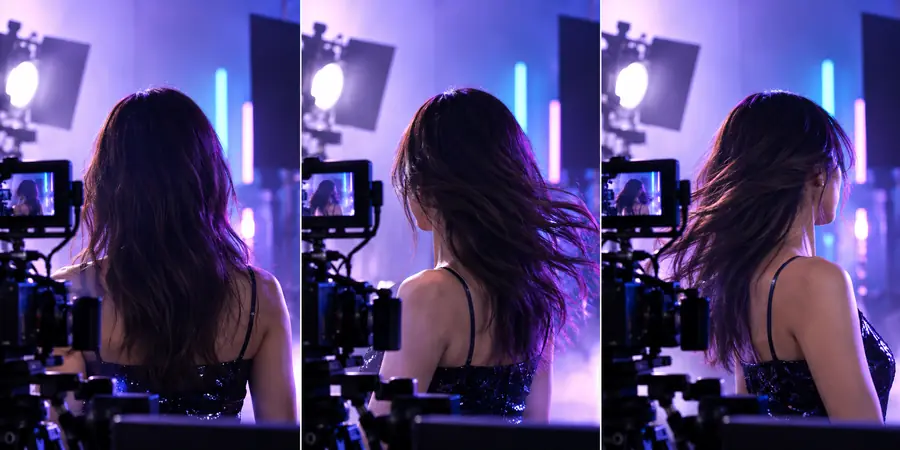
Compare the source clip treatment with a finished video face swap. The divider helps you inspect framing, expression, and background continuity in one view.
Source frame
Drag the divider across the face, hairline, and moving background.
Converted frame
Format check
The right choice depends less on the word HD and more on how much motion, detail, and consistency your source footage contains.
| Source video | HD face-swap result | |
|---|---|---|
| Primary material | Original face, motion, lighting, and background | Replacement face integrated into the same scene |
| Main visual risk | Blur, occlusion, uneven exposure, or fast turns | Edges, expressions, and skin tone may drift between frames |
| Best starting point | Sharp footage with a visible, front-facing subject | A replacement image or clip with a similar angle |
| Detail to inspect | Eyes, mouth, hairline, and jaw remain readable | The new face follows those features without halos |
| Motion behavior | Natural head movement establishes the tracking challenge | The converted face should remain aligned through movement |
| Review priority | Check focus and lighting before conversion | Check continuity at cuts, turns, and strong expressions |
| Sharing decision | Keep the original as a reference copy | Export only after a frame-by-frame quality review |
Choose your route
Every conversion trades some source information for a new facial identity. These use cases show where that tradeoff is easiest to manage.
You want a character-led reaction or comedy clip without changing the setting.
Start with a front-facing take and compare the mouth and eyes after conversion.
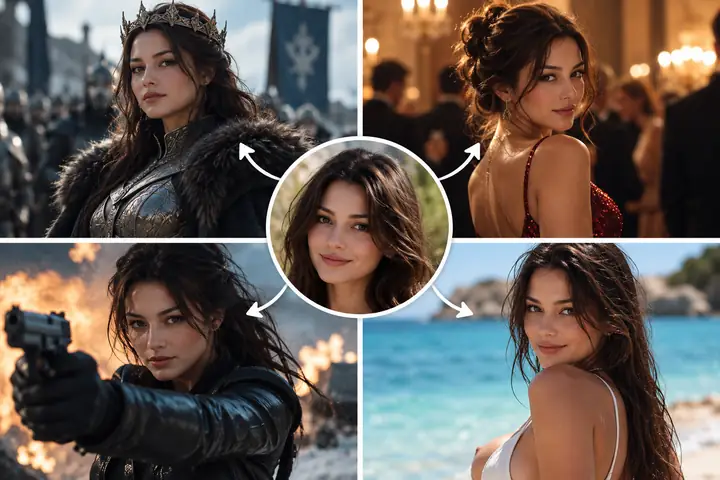
You have a strong portrait but need it to work inside moving footage.
Use a matched portrait and keep the motion simple so the face ai result stays coherent.
You are testing several faces against the same branded scene.
Preserve the camera angle and lighting, then compare each result against the original plate.
You need to see whether a single portrait survives a complete video pass.
Use a short test segment before committing to a longer edit.
Output gallery
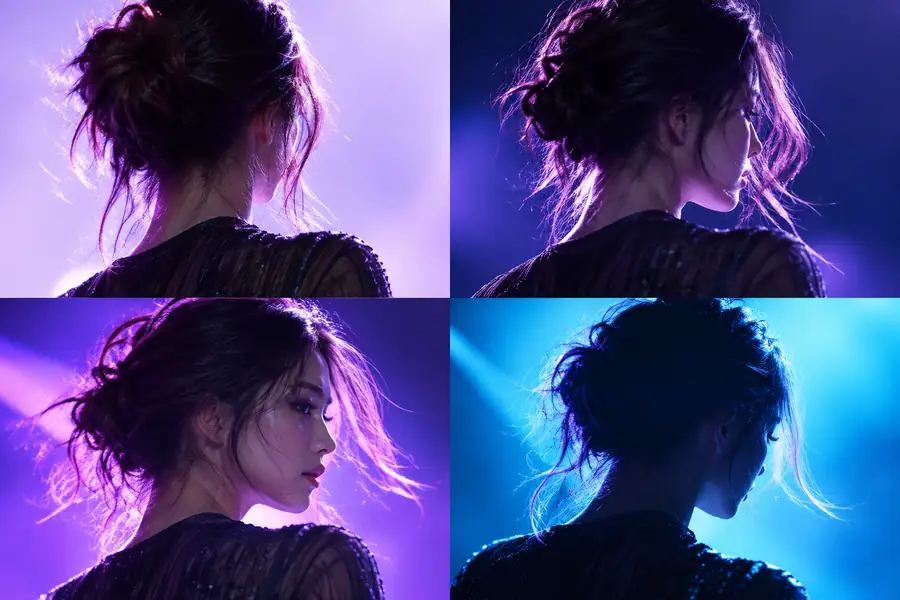
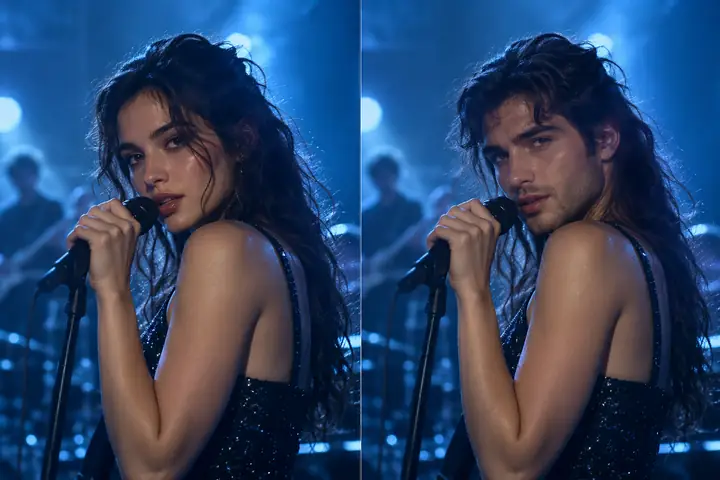
These examples illustrate the kinds of source and result relationships worth checking: clear faces, consistent framing, and visible motion context.
 Video
Video
 Workflow
 Loop
Loop
 Variants
Estimate review load
Use the source duration to estimate how many frames deserve a quick inspection. This is a review aid, not a promise about processing time.
frames
checks
Quality workflow
A short, repeatable check catches most visible problems before a converted clip is published or sent to an editor.
Choose a sharp clip and a replacement face with a similar angle, expression, and lighting.
Scrub through turns, blinks, speech, hair movement, and any point where the face is partly covered.
Pause at the strongest movement and brightest frame, then compare the result with the original before sharing.
Related workflows
Different inputs create different failure points, so choose the route that matches the material you already have.
Next conversion
Send a clear source and a focused instruction, then use the result as a draft to inspect closely. The best face ai outputs begin with footage that gives the subject enough light, detail, and screen time.
Variant FAQ
HD describes the clarity of the video presentation, but it does not guarantee perfect facial tracking. Source focus, lighting, movement, and the match between faces still determine how convincing the result looks.
A short clip with a visible face is usually easier to review than footage with heavy blur, rapid turns, or frequent occlusion. Keep the original angle and lighting in mind when choosing a replacement face.
Scrub through turns, speech, blinking, and strong changes in light. Pay special attention to the eyes, mouth, jawline, hairline, and any cut where alignment can shift.
Not necessarily. A shorter, sharper clip gives you fewer frames to inspect and makes it easier to identify whether the face remains aligned throughout the movement.