Portrait hobbyist
You have two permitted portraits taken under similar daylight and want to test a still-image composition.
Prioritize aligned eyes, a comparable camera angle and a close inspection of the hairline.
Face Ai guide
A convincing face edit starts before you open an editor. Choose images you have permission to use, match the subject’s angle and lighting, and decide whether your final piece is a still photo or a moving clip.
Face Ai is a guide to planning the edit, not a guarantee that every image or clip will produce a seamless result.
A technically plausible swap does not establish consent from the person depicted or permission to use the source media.
What to do instead
Use your own material or obtain clear permission, especially before publishing.
A front-facing portrait may not provide the detail needed when the target turns sideways or looks down.
What to do instead
Choose a target with a similar pose, or gather consented references from more than one angle.
Motion blur, heavy compression and covered facial features can leave too little detail for a credible edit.
What to do instead
Start with sharper, evenly lit material and avoid frames with major occlusions.
Treat this as a preparation workflow. Confirm the features and upload requirements of the tool you choose before submitting any media.
Pick a clear source portrait and a target photo or short clip that you are allowed to edit. Note where the subject turns, speaks or crosses in front of an object.
Compare head angle, expression, lighting direction and approximate face size. For video, inspect several frames rather than judging only the thumbnail.
Inspect edges around the jaw and hair, skin tone, reflections and any frame-to-frame changes. Discard misleading or unconsented results, and disclose a synthetic edit where context calls for it.
Choose the guide that matches your intended surface and output rather than assuming a photo workflow covers every project.
The same source portrait can behave differently in a single frame and across a sequence. Use this comparison to scope the work before editing.
| Still photo project | Video project | |
|---|---|---|
| Target material | One selected image | A clip with many changing frames |
| Angle matching | Match the pose in one frame | Account for turns throughout the clip |
| Expression | Compare one captured expression | Check expression changes and speech |
| Lighting | Evaluate one lighting setup | Watch for lighting shifts over time |
| Common artifact | Visible jaw or hairline edge | Flicker or drifting facial features |
| Review method | Zoom in on the final image | Play the result and inspect problem frames |
These examples describe planning choices, not promised outputs or features of any particular service.
You have two permitted portraits taken under similar daylight and want to test a still-image composition.
Prioritize aligned eyes, a comparable camera angle and a close inspection of the hairline.
You are planning an explicitly labeled fictional character edit for a clip with head movement.
Review turning frames and expressions before deciding whether the footage is suitable.
You want to understand a web-based workflow before deciding where to submit personal images.
Read the service’s privacy terms, retention policy and upload rules before proceeding.
The images illustrate a planning contrast, not a verified before-and-after result from a specific tool.
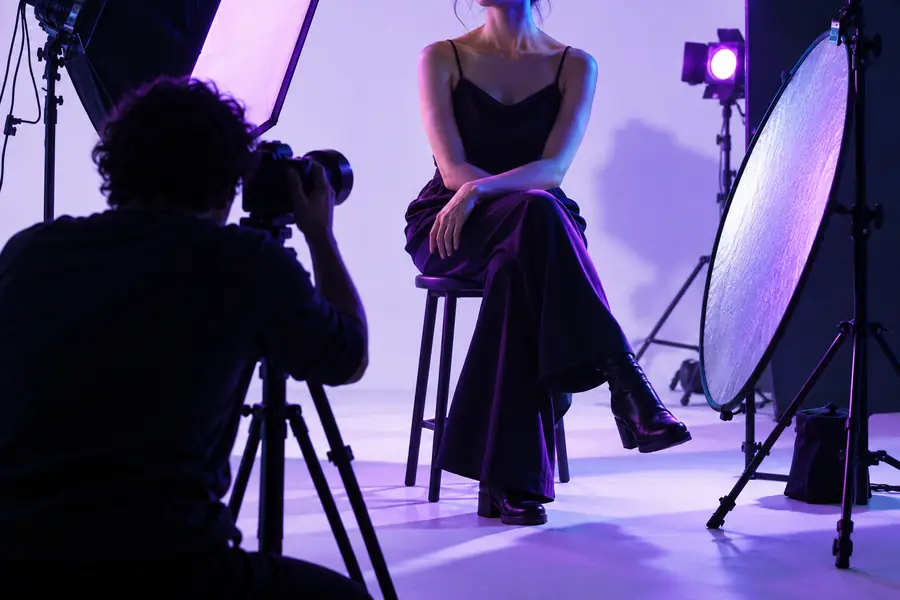
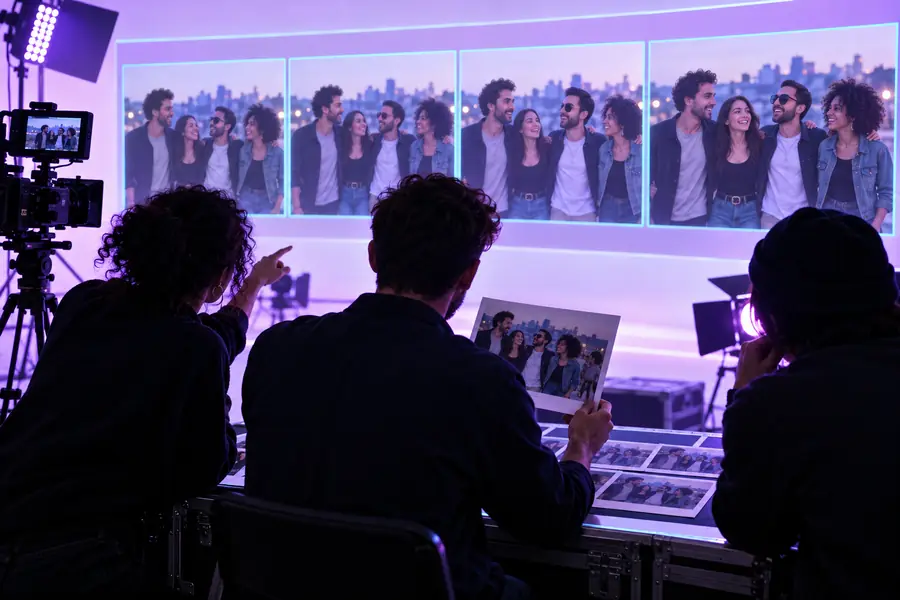
Look beyond the central features: mismatched shadows, cut-off hair, glasses, hands near the face and sudden changes between video frames often draw attention first.
Check the sourceInspect the editWrite down the intended output, the material you can use and the visual conditions you need to match. Then check the destination’s available tools and policies before uploading a portrait or clip.
Start with whether it supports the kind of project you have: a still image or a moving clip. Check its upload requirements, privacy policy and available review controls before sharing personal media.
You can start with the same permitted portrait, but it may not suit every frame of a video. Turns, speech and changing light can reveal angles or expressions that a single source image does not show.
Differences in head angle, lighting, image sharpness or hair placement can make the boundary conspicuous. Compare the source and target before editing, then inspect the jaw, hairline and shadows in the result.
Get the person’s permission and make sure you have the right to use the footage. Do not present a synthetic scene as an authentic recording of something the person said or did.