Creative teams
A designer wants to compare reference portraits while developing a consistent character direction.
A structured visual review can highlight framing, expression, and apparent feature differences before the concept moves forward.
Visual identity
Face recognition online free can help you examine visual similarities in a clear, guided workflow. Face AI is best used as an exploratory aid, not as proof of who someone is.
Capability guide
Choose the page that matches your goal: compare two images, explore a visual rating, or inspect attractiveness-related signals without treating an estimate as fact.
Honest boundaries
Face AI can organize visual information, but it should not turn an image into certainty. These boundaries matter whenever an online result could affect a person.
A visual match is not the same as verified identity. Similar lighting, pose, age, or expression can make unrelated people look closer than they are.
What to do instead
Use consented images and treat the result as a visual comparison, not an identification decision.
A face image does not reliably reveal personality, honesty, mood, or future behavior. Facial appearance is not evidence for those conclusions.
What to do instead
Keep the analysis limited to visible image features and avoid unsupported personal judgments.
Blur, shadows, sunglasses, extreme angles, cropping, and compression can hide the features an online model needs to compare.
What to do instead
Use sharp, evenly lit images with the face visible and at a similar scale.
A general-purpose online workflow should not replace a controlled identity, access, age, or legal verification process.
What to do instead
For consequential decisions, use an approved specialist system with documented safeguards and human review.
Simple workflow
A focused process makes an online result easier to interpret and less likely to be mistaken for certainty.
Choose two consented images with visible faces, similar framing, and enough resolution to show the main features.
State whether you want similarities, differences, or a neutral feature summary. Avoid asking the system to identify a person.
Read the output as an image-based indication. Check the original photos yourself and account for lighting, angle, expression, and image quality.
Visual example
The useful change is not a claim of certainty; it is a more organized way to inspect the same visual material.
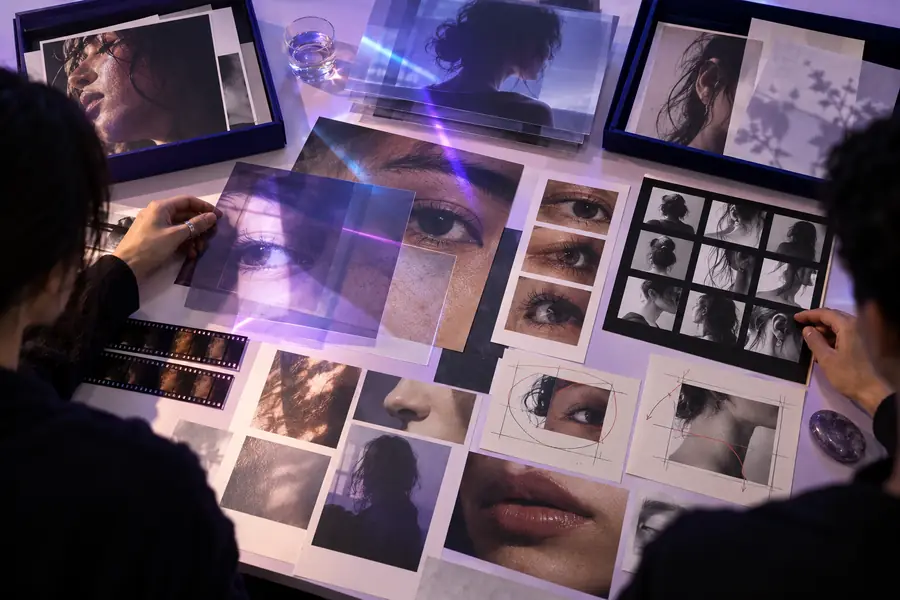
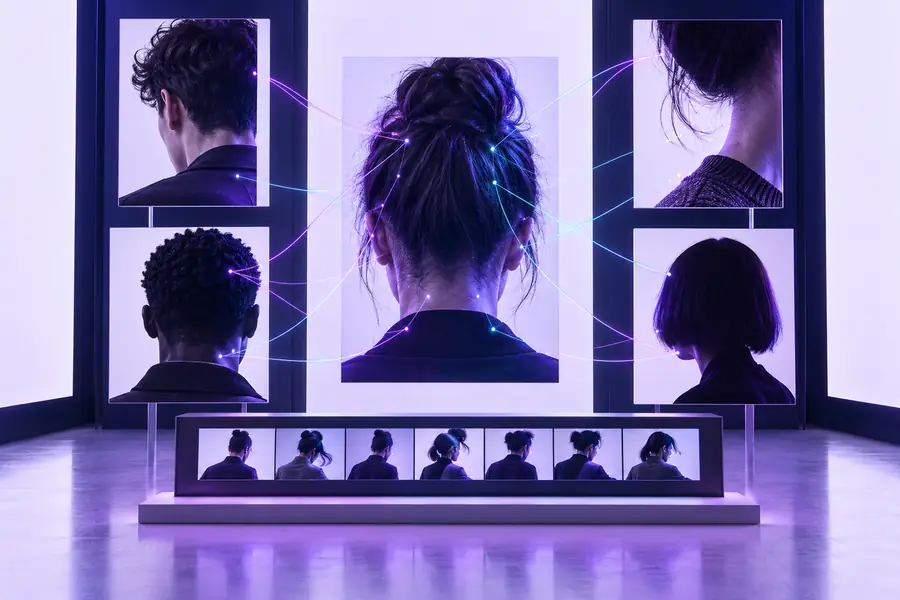
Use the result to guide inspection, not to declare identity.
Unstructured inputsOrganized comparisonPractical uses
Different people need different kinds of face AI guidance. Keep the task narrow, use images responsibly, and choose the adjacent workflow that matches your question.
A designer wants to compare reference portraits while developing a consistent character direction.
A structured visual review can highlight framing, expression, and apparent feature differences before the concept moves forward.
A creator wants a quick, subjective way to discuss how a portrait may be perceived by viewers.
A rating-style workflow can frame impressions as opinions instead of presenting them as objective facts.
A photographer is reviewing how composition, lighting, and styling affect perceived facial appeal.
An attractiveness-focused analysis can prompt a more deliberate review of the image while leaving the final judgment with the person.
Capability split
The table separates what a visual face check can support from what it should not be asked to decide.
| Useful for visual review | Not a reliable substitute | |
|---|---|---|
| Primary output | A description of visible similarities or differences | A verified identity claim |
| Best input | Clear, consented portraits with visible faces | Blurred, hidden, or unlawfully collected imagery |
| Context needed | Lighting, pose, crop, expression, and image quality | A result viewed without checking the original images |
| Appropriate confidence | A cautious indication for exploration | Certainty in a high-stakes decision |
| Good use case | Creative review, image comparison, and discussion | Access control, legal evidence, or employment screening |
| Human role | People interpret the output and check for bias | Automation making the final decision alone |
Start with context
Use Face Ai to organize a focused visual comparison, then bring your own judgment and context to the result. The strongest workflow begins with clear, consented images and a narrow question.
Common questions
It generally refers to an online tool that examines facial features in one or more images and reports a similarity, comparison, or description. The result is an image-based estimate, not automatic proof of a person’s identity.
You should not assume that it can. Image quality, pose, lighting, age, expression, and other factors can create both false matches and missed matches, so a general online result should not support a high-stakes identity decision.
Use clear, consented images where the face is visible, reasonably sharp, and not heavily cropped or obstructed. Similar framing and lighting make the visual comparison easier to interpret, although they cannot remove uncertainty.
No. Face AI is a broad term covering tools that analyze or transform facial imagery, while verified facial recognition systems operate in specific controlled contexts with defined procedures. A general creative or exploratory workflow should not be treated as a certified security system.